Shareflip
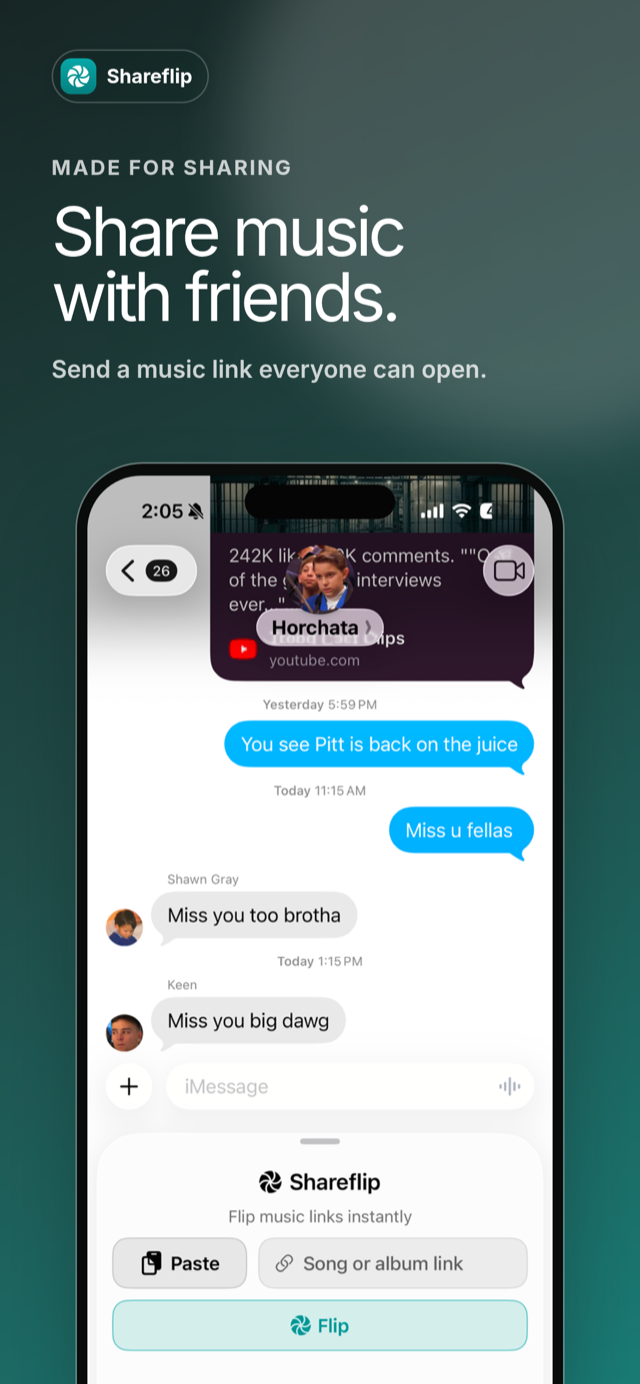
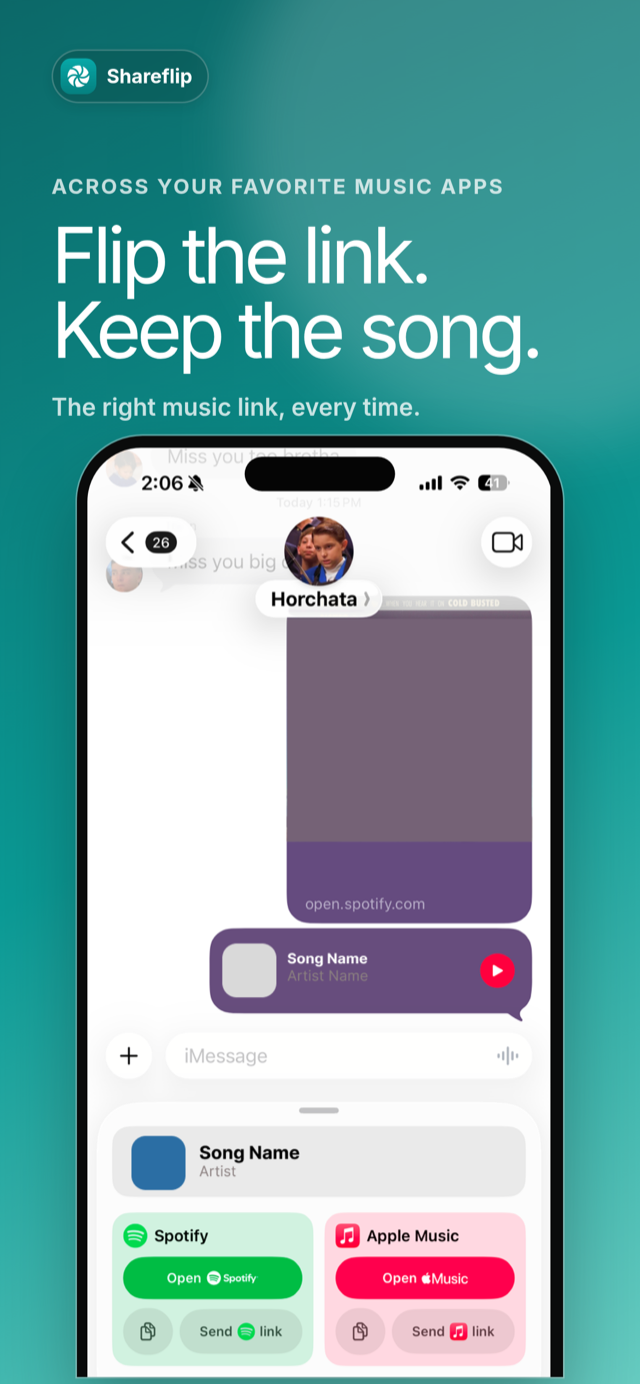
Flip music links between Spotify and Apple Music. Directly in iMessage.
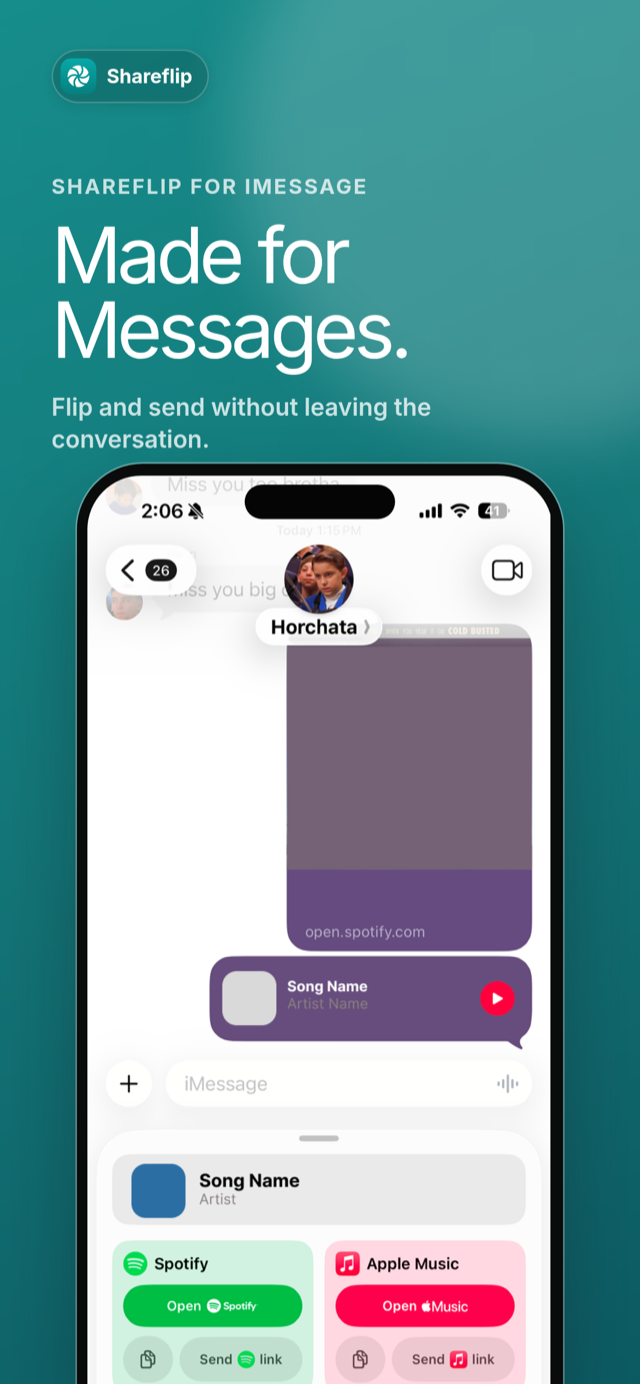
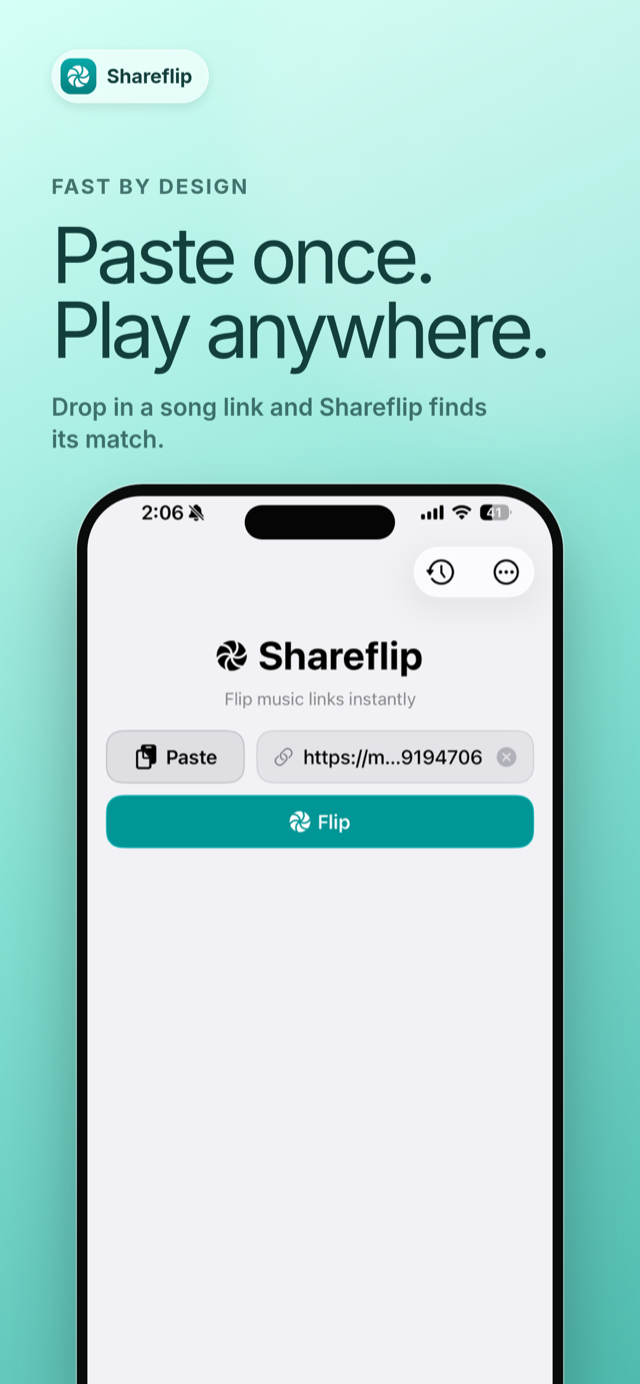
Paste a song link and get the matching one on the other platform. Use it directly within iMessage or the Share sheet.


How it works
- 1Someone sends you a song in Messages.
- 2Tap Shareflip, and flip it to the app you use.
- 3Or send both links, so your friend opens the one they use.
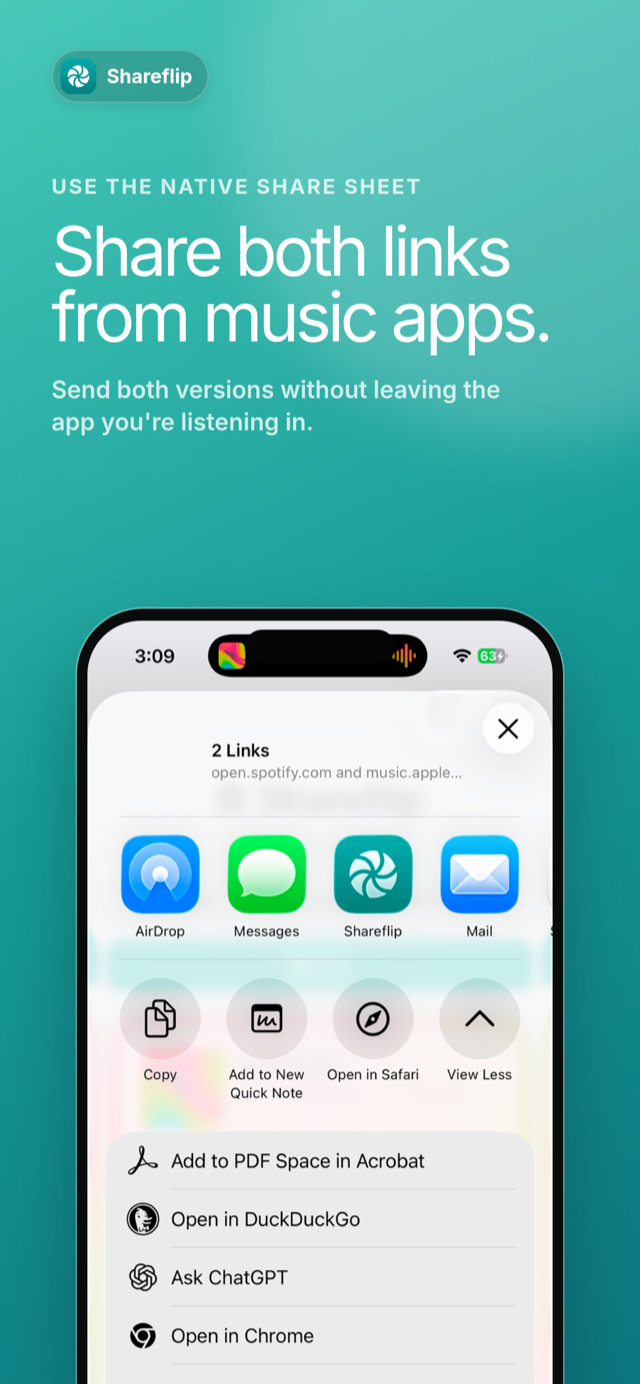
You can also flip a song straight from the Share sheet in Spotify or Apple Music.
Try it out on the web
No app needed. Flip a link right here.